01SoundCraft
Version 0.11.0
Professional audio recording and mixing, rebuilt in pure Rust.
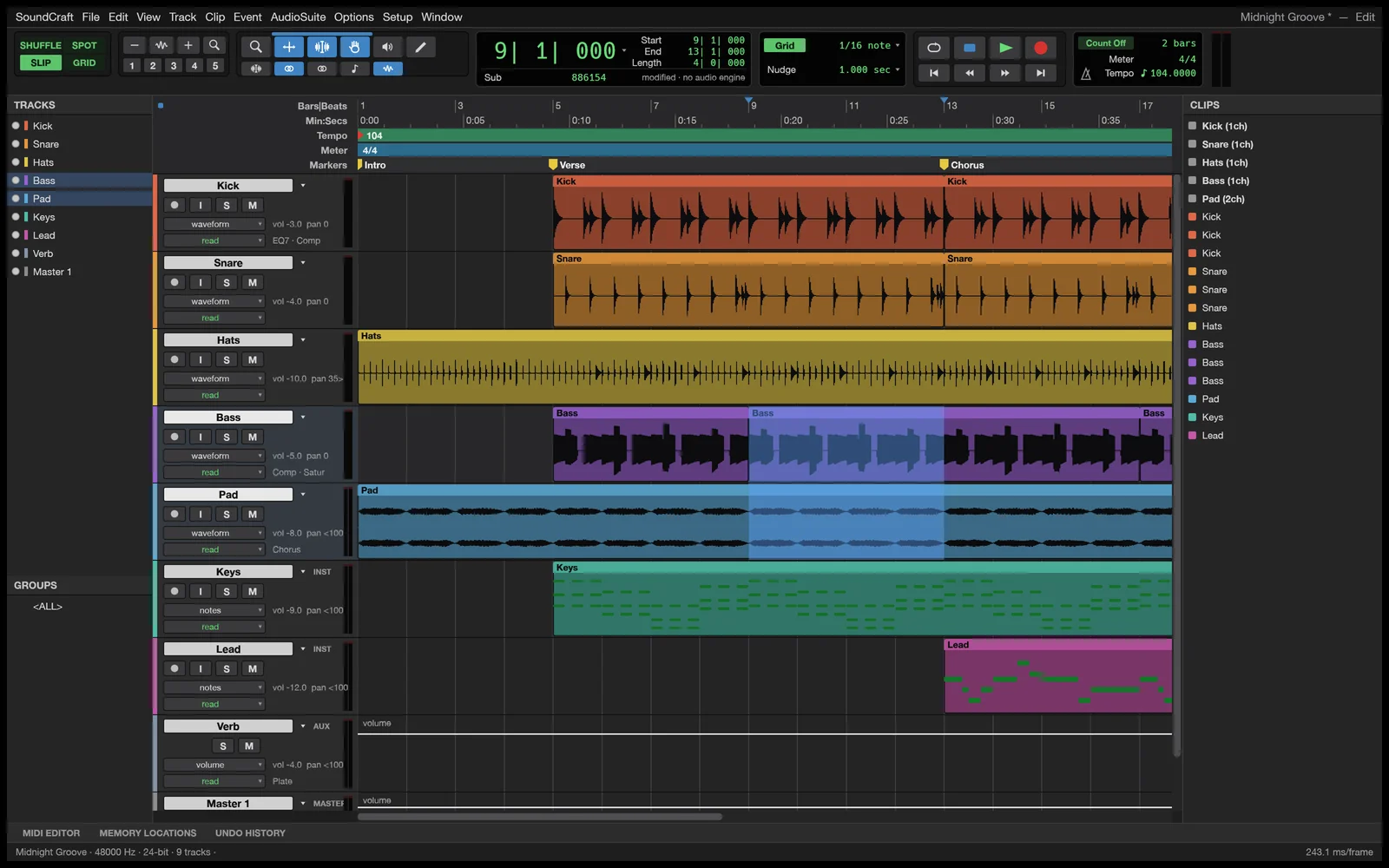
Dedicated Edit and Mix windows, multitrack audio and MIDI, ten inserts and sends per track, surround panning, and offline AudioSuite in a native DAW built from scratch.
02What's inside
What's inside.
Built with purpose: fast, reliable, without telemetry, and designed for professional workflows.
The studio workflow
Dedicated Edit and Mix windows, Shuffle, Slip, Spot and Grid modes, comping playlists, memory locations, and single-key Commands Focus shortcuts.
Full mixing console
Ten inserts and ten sends per track, busses, aux inputs, VCAs, routing folders, solo-in-place, and automatic plugin delay compensation.
Live automation
Write, Touch, Latch and Trim automation passes recorded live for volume, pan, mutes, sends and every plugin parameter.
Original plugins & CLAP support
Built-in EQ, dynamic processors, reverbs, delays, modulation, synthesisers, plus support for loading external CLAP plugins.
MIDI & notation
Piano-roll MIDI editor with velocity lane, step input, quantize, transposition, score notation editor, and Audio-to-MIDI pitch detection.
Surround & video sync
Surround panning up to 9.1.6, live speaker rendering, and a dedicated picture track with video playback synchronized to the playhead.
03Downloads
Get SoundCraft with the Launcher.
The Craft Launcher automatically updates all your tools and allows one-click switching between apps.
Just SoundCraft? Download it standalone.
Zero installation required. Download, unzip, and run.
Universal binary for Apple Silicon (M1/M2/M3/M4) & Intel.
Compatible with Windows 10 & 11 (64-bit).
Flatpak, DEB, RPM, and Arch Linux packages.
Runs directly in modern browsers via WebAssembly & WebGPU.
04The family
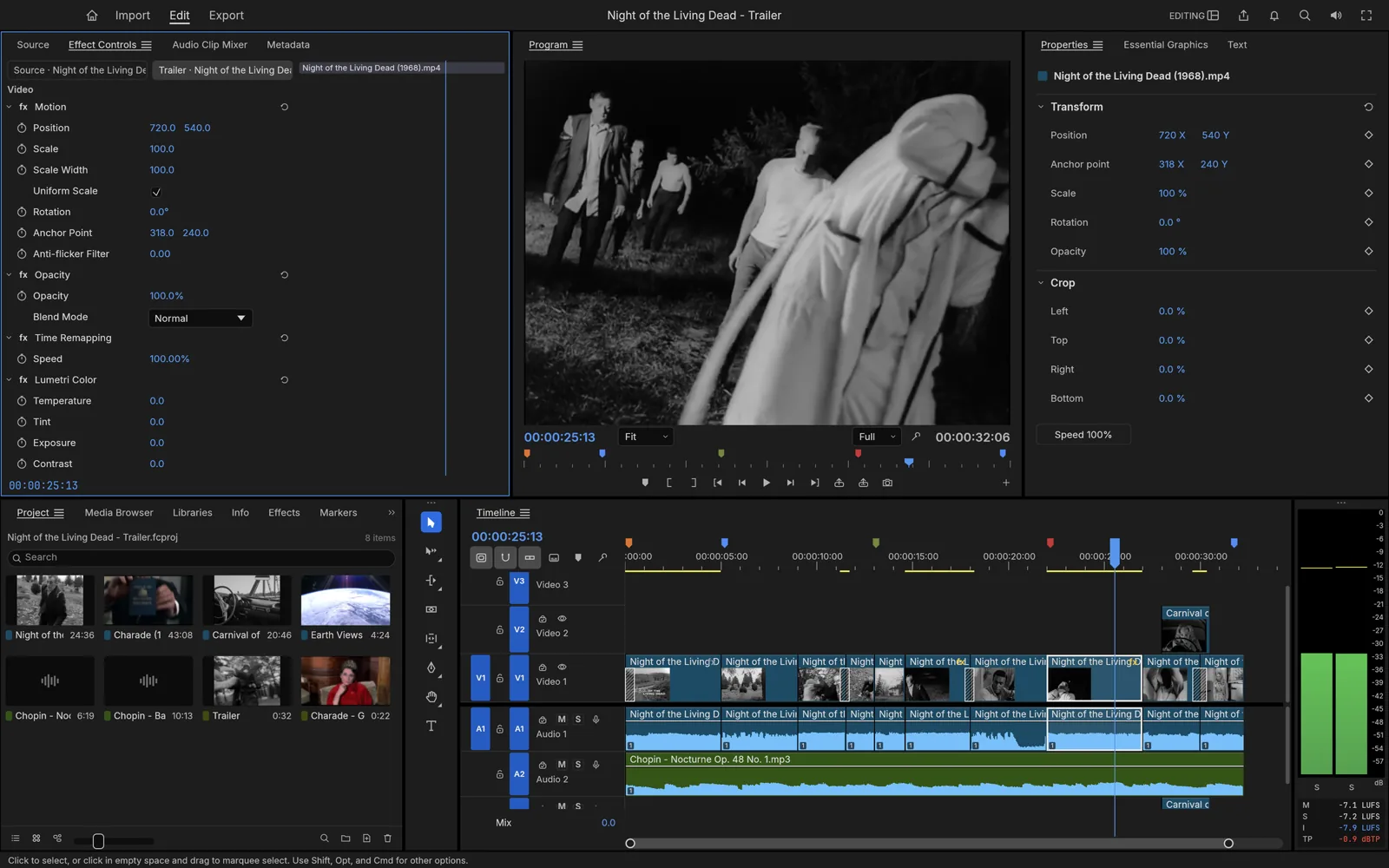
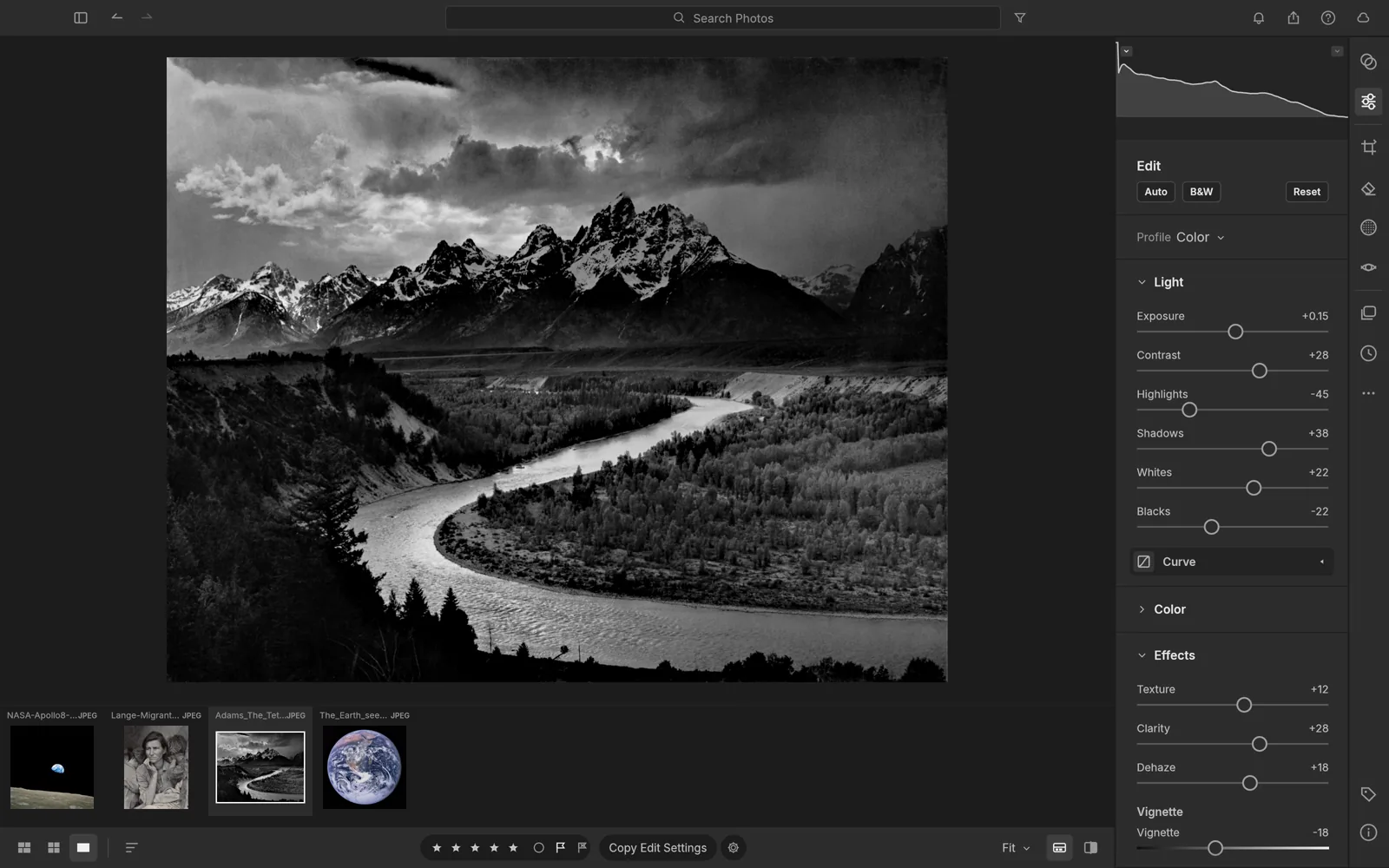
More from the family.
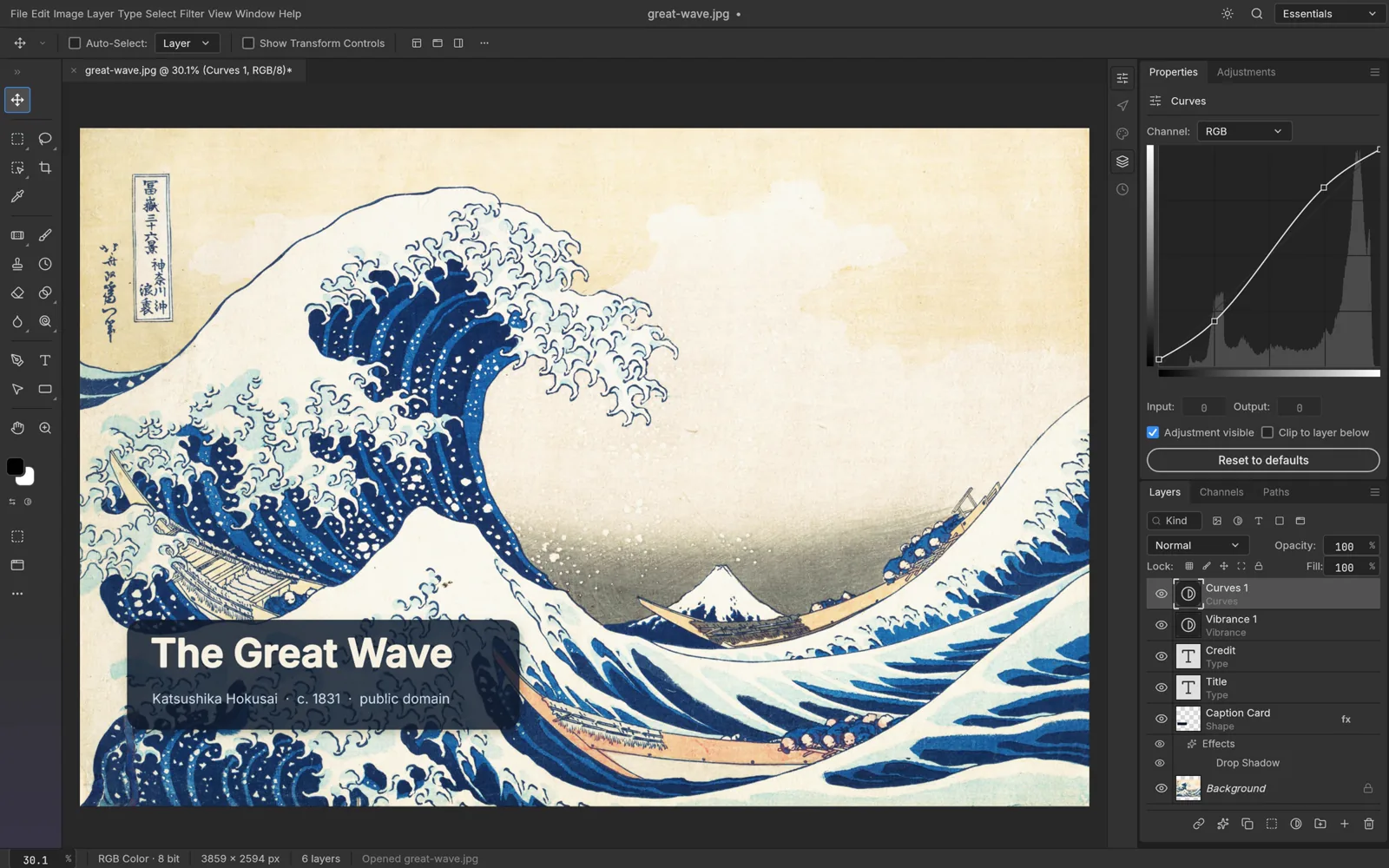
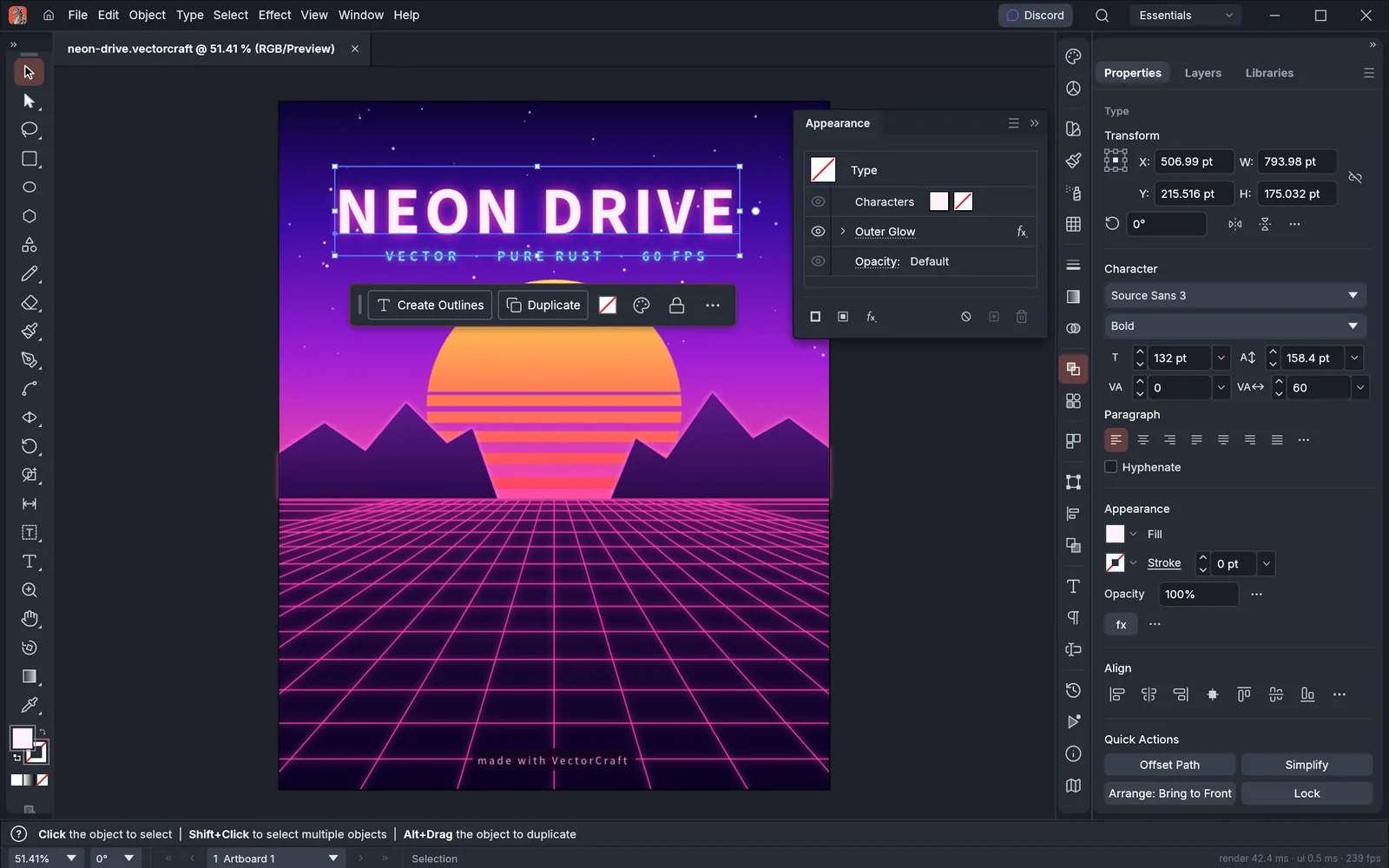
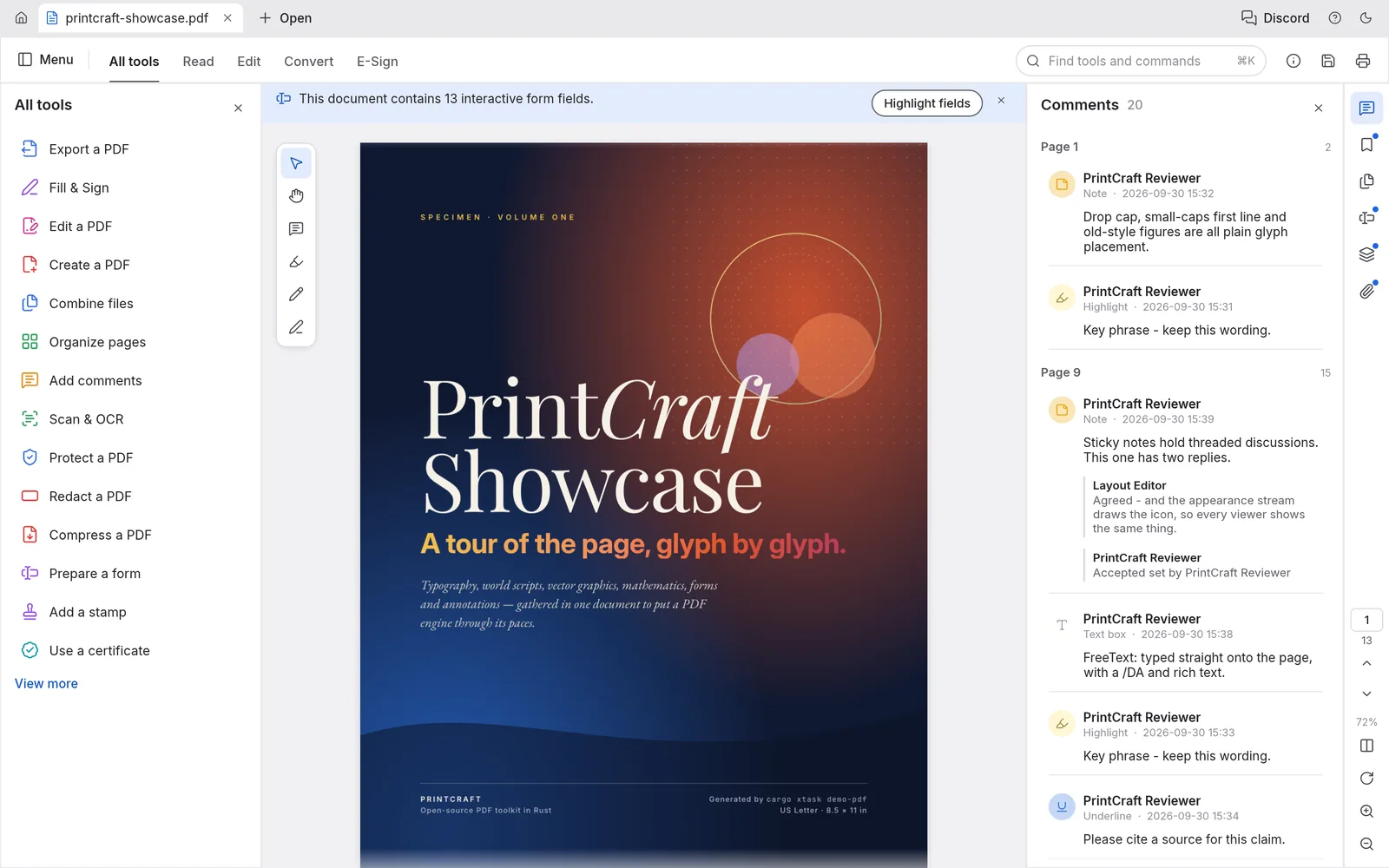
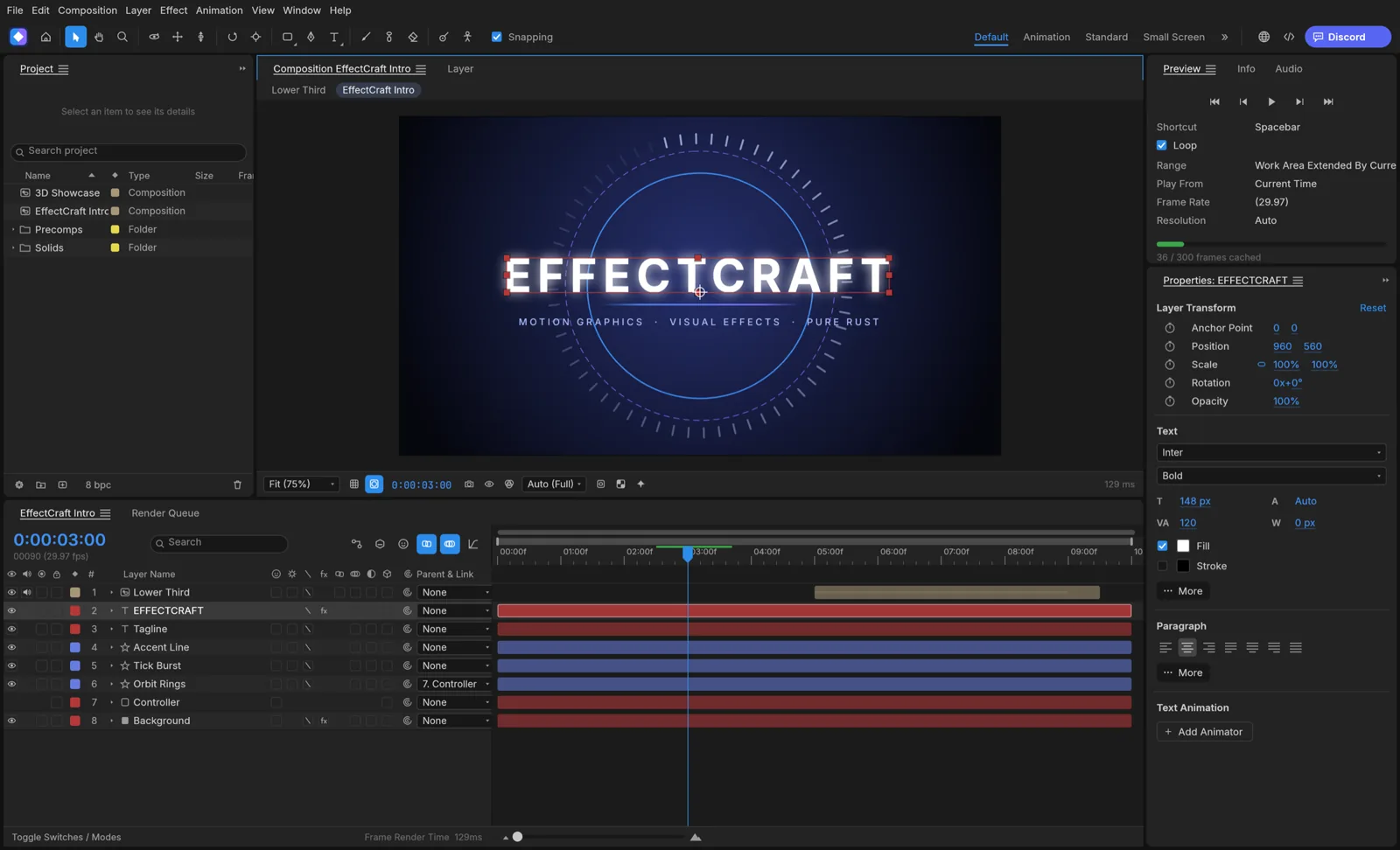
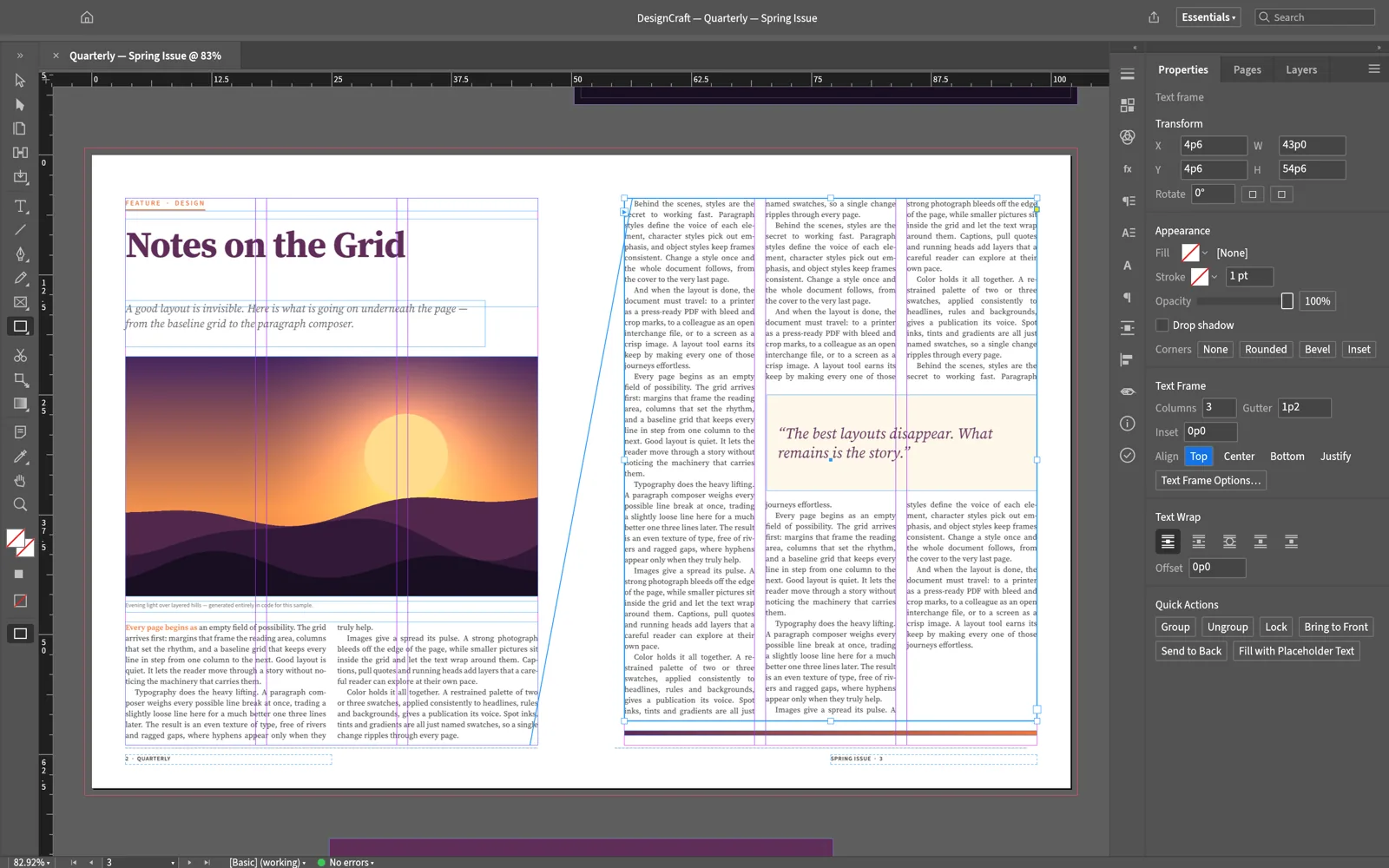
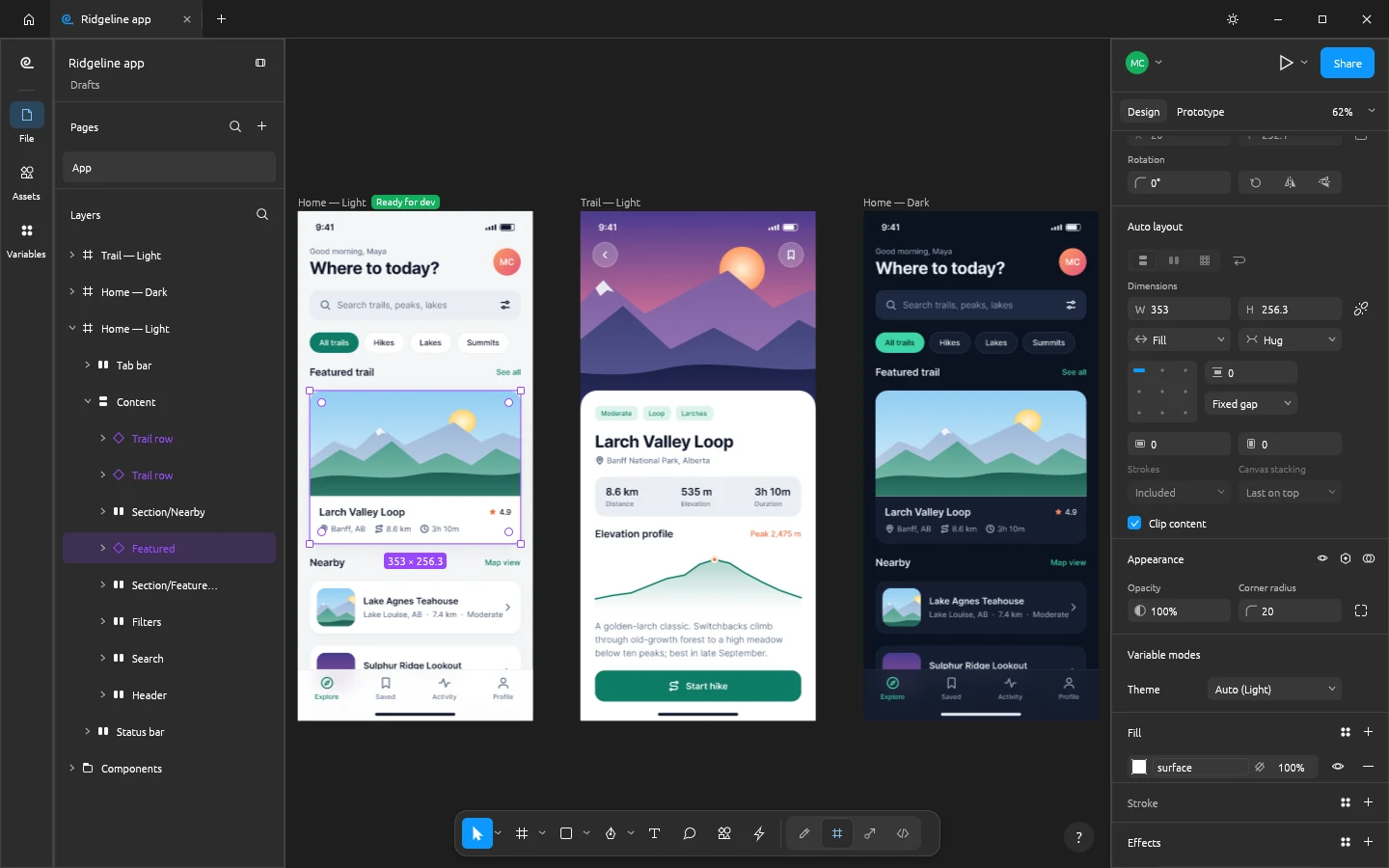
Sixteen apps sharing the same design language, performance standards, and open license.

Open development
Help shape SoundCraft.
We build in the open. Share ideas, report bugs, and chat directly with the maintainers in Discord and on GitHub.